Scan QR
Use your banking or e-Wallet app.
Contributions are used to support Home Helper candidates who may need assistance with transportation, meals, temporary accommodation and basic necessities before beginning their training or placement.
Open your banking or e-Wallet app, select the Scan QR function and make sure the recipient's name is Agensi Pekerjaan MLMS.
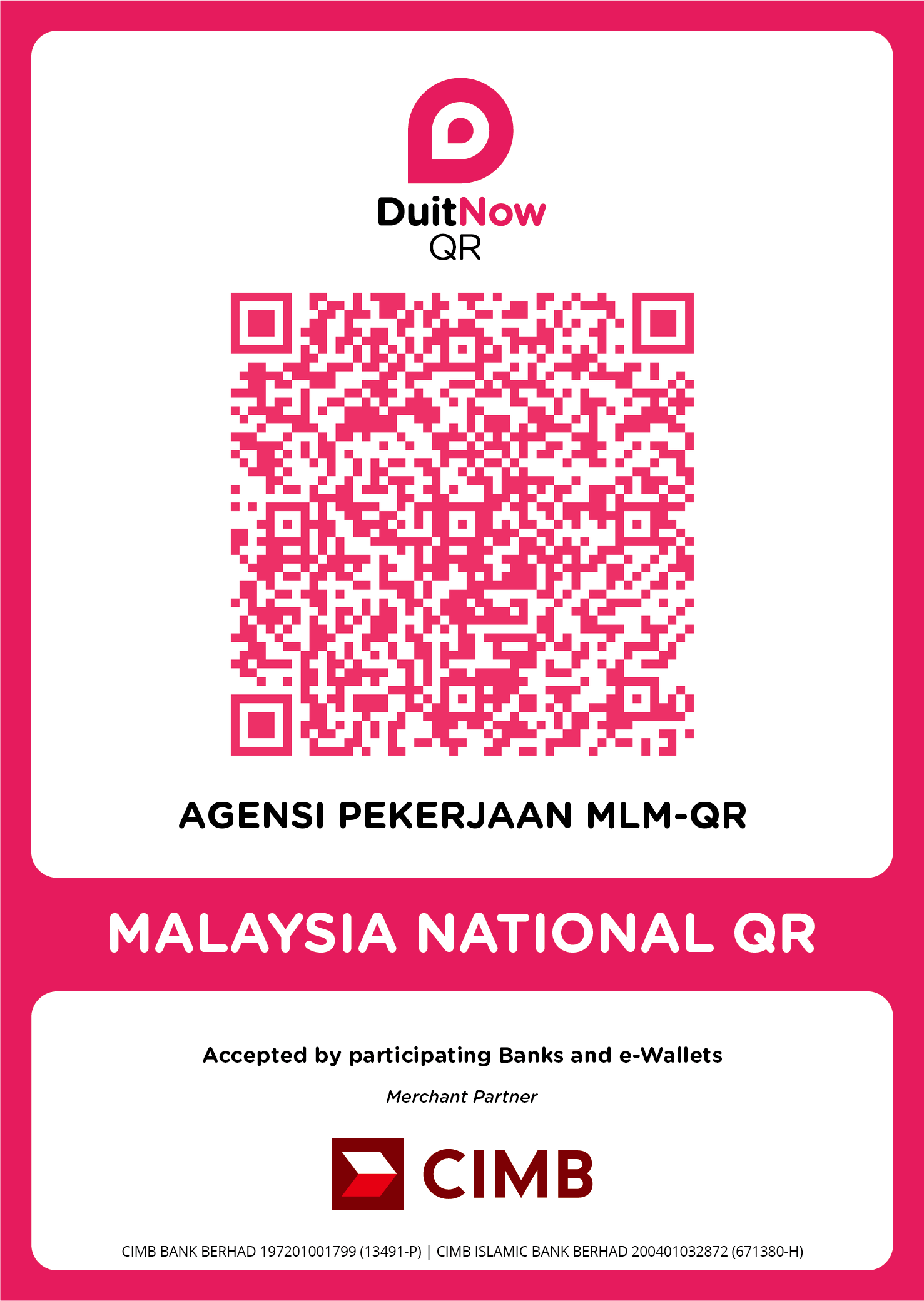
Use your banking or e-Wallet app.
Enter your preferred contribution amount and complete the transaction.
Download or take a screenshot of your transaction receipt.
The system will read your receipt and automatically fill in the form for your review.
Use a clear image or PDF file. After the receipt has been read, please review the name, amount, date and reference number before submitting.
The information below has been automatically filled in based on the uploaded transaction receipt.
This list displays names, contribution amounts and messages according to each contributor's preferences. Payment receipts, phone numbers and email addresses are not displayed.